What is kkx0101?
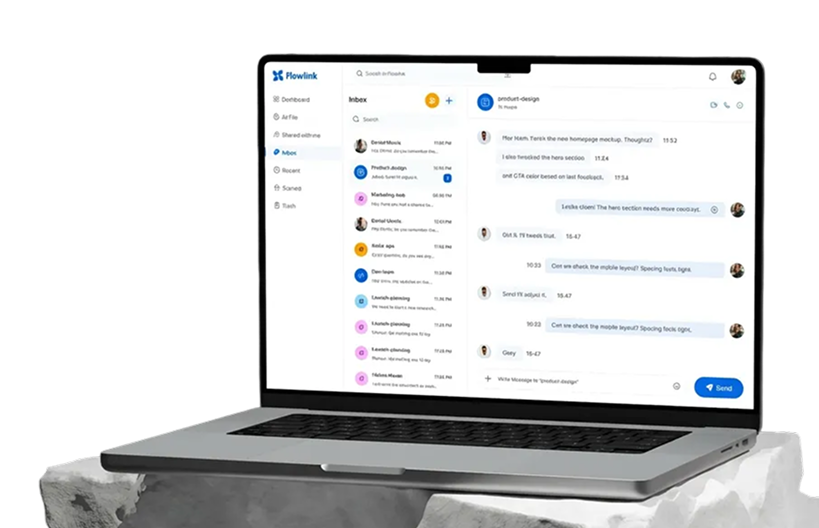
kkx0101 is the KorpKit tenant control panel. It is the place where the business owner manages the KorpKit account before and around the actual client portal experience.
A tenant is one business using KorpKit. Each tenant has its own settings, package, services, storage usage, branding options, payment setup, domain setup, and portal links.
kkx0101 does not replace the client portal. It controls the business setup and connects the tenant to ivxo, which runs the admin and client portal.
What kkx0101 controls
kkx0101 controls tenant signup, login, email verification, business profile completion, package selection, billing, subscription status, service activation, storage, support tickets, custom domain setup, custom email setup, and payment gateway settings.
It also decides what features are allowed for the tenant based on the selected package. If a package does not allow custom domain, advanced payment automation, or larger staff access, kkx0101 keeps those options limited.
This is why kkx0101 is the source of truth for tenant identity and package rules. ivxo reads the tenant setup and behaves according to those rules.
Signup and verification flow
The owner starts by creating a tenant account from the public signup page. KorpKit then creates the tenant identity and sends verification email messages.
Email verification is important because the platform needs a real owner email before allowing serious portal setup and account actions.
After verification, the owner completes the profile and enters the main control panel. From there, the tenant can open package plans, configure services, and launch the portals.
Packages and feature gates
kkx0101 checks the tenant package before showing or allowing certain features. Free tenants get a limited version. Paid tenants get more controls based on Freelancer, Corporate, or Enterprise.
A feature gate means the system can show a disabled option, explain which package is required, and stop the tenant from using a feature they have not unlocked yet.
This protects the platform and keeps the package model clean. The tenant can see what exists, but access depends on the active package.
Service activation
Services are the work categories the business wants to offer through the portal. Examples can include digitizing, vector, graphics, website services, or patch-related workflows depending on the tenant setup.
kkx0101 controls which services are active for the tenant. Free tenants may have limits on how many services can be active. Paid tenants can unlock more flexibility.
When services are disabled, the portal should not allow new orders for those services. This keeps the client portal aligned with the business setup.
Domain, email, and payment setup
Custom domain setup lets a paid tenant connect a branded domain or subdomain to the portal. kkx0101 shows the DNS records and handles verification flow.
Custom email setup lets notification emails come from a trusted business sender where the package and DNS setup allow it. DNS records may be required before sender verification works.
Payment setup lets the tenant connect payment methods such as Stripe, PayPal, Square where available, or account-transfer style manual flows depending on package rules.
Storage and support
Because KorpKit handles uploads and final files, storage matters. kkx0101 shows storage usage, limits, and storage-related controls for the tenant.
Support tickets also belong in kkx0101 because they are account-level requests. A tenant can report problems, ask for help, or contact KorpKit support from the control panel.
This keeps system setup, billing issues, domain problems, and package questions separate from client order management inside ivxo.
How kkx0101 connects to ivxo
The connection is based on tenant identity. kkx0101 knows who the tenant is. ivxo uses the tenant identity to load the correct portal, settings, services, branding, package permissions, payment behavior, storage paths, and email sender rules.
In simple words: kkx0101 decides what the business account is allowed to do. ivxo performs the daily client and order work using that decision.
This separation is important because the owner can manage account-level setup without mixing it with client-side order operations.
Simple explanation for a new user
Use kkx0101 when you want to control your KorpKit business account. Use ivxo when you want to manage actual clients and orders.
If you are changing package, domain, email sender, storage, services, billing, or support settings, go to kkx0101.
If you are checking orders, uploading final files, invoicing clients, assigning staff, or handling client requests, go to ivxo.